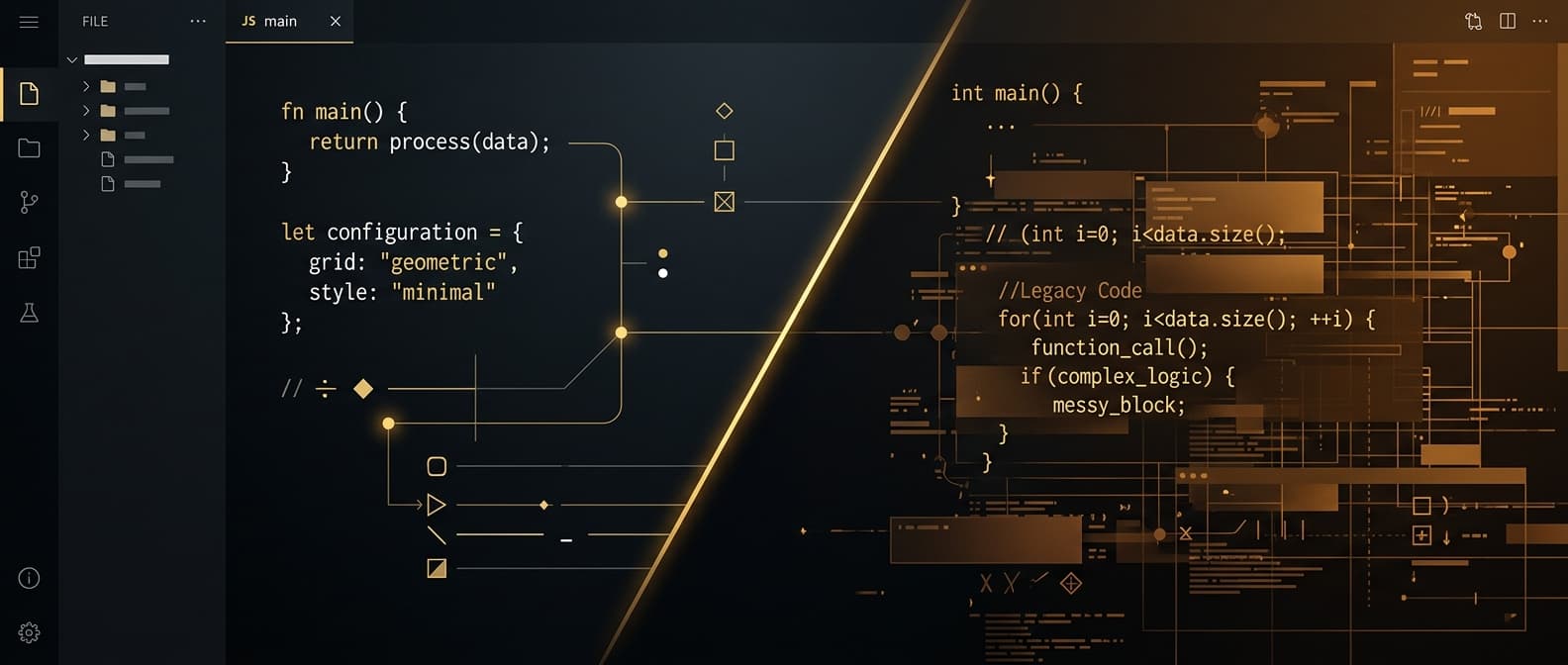
I built WordPress sites for years. Dozens of them. I knew the ecosystem inside and out, from WooCommerce to Advanced Custom Fields to the labyrinth of caching plugins that promise to make your site "fast." Then I switched to Next.js, and I am never going back.
This is not a balanced, on-the-fence comparison. I have a clear opinion here, and I will tell you exactly why. But I will also be honest about the situations where WordPress still makes sense, because dogma helps nobody.
Why Is WordPress Losing Ground in 2026?
WordPress powers about 40 percent of the web. That number sounds impressive until you realize it also means 40 percent of the web shares the same attack surface, the same architectural limitations, and the same dependency on a plugin ecosystem that nobody fully controls.
The average WordPress site runs 20 to 30 plugins. Each one is maintained by a different developer with a different update schedule, a different level of security awareness, and a different tolerance for abandoning projects. One bad plugin update can take down your site. One unpatched vulnerability can hand your customer data to a stranger. I have seen both happen to clients before they came to me.
Performance is another problem. WordPress generates pages dynamically on every request by default. It queries a MySQL database, runs PHP, and assembles HTML on the fly. You can layer caching plugins on top of that, but you are putting a band-aid on an architecture that was designed in 2003. Google uses page speed as a ranking factor. Users bounce after 3 seconds. WordPress makes hitting those targets harder than it should be.
Then there is the governance mess. The Automattic-WP Engine dispute exposed an uncomfortable truth: the WordPress ecosystem depends heavily on decisions made by one person. For businesses building their online presence on that foundation, that is a risk worth thinking about.
What Is Next.js and Why Should You Care?
Next.js is a React-based framework for building web applications. Vercel created it, and companies like Netflix, Nike, Twitch, and Notion use it in production. It has become one of the most popular web development frameworks in the world for good reason.
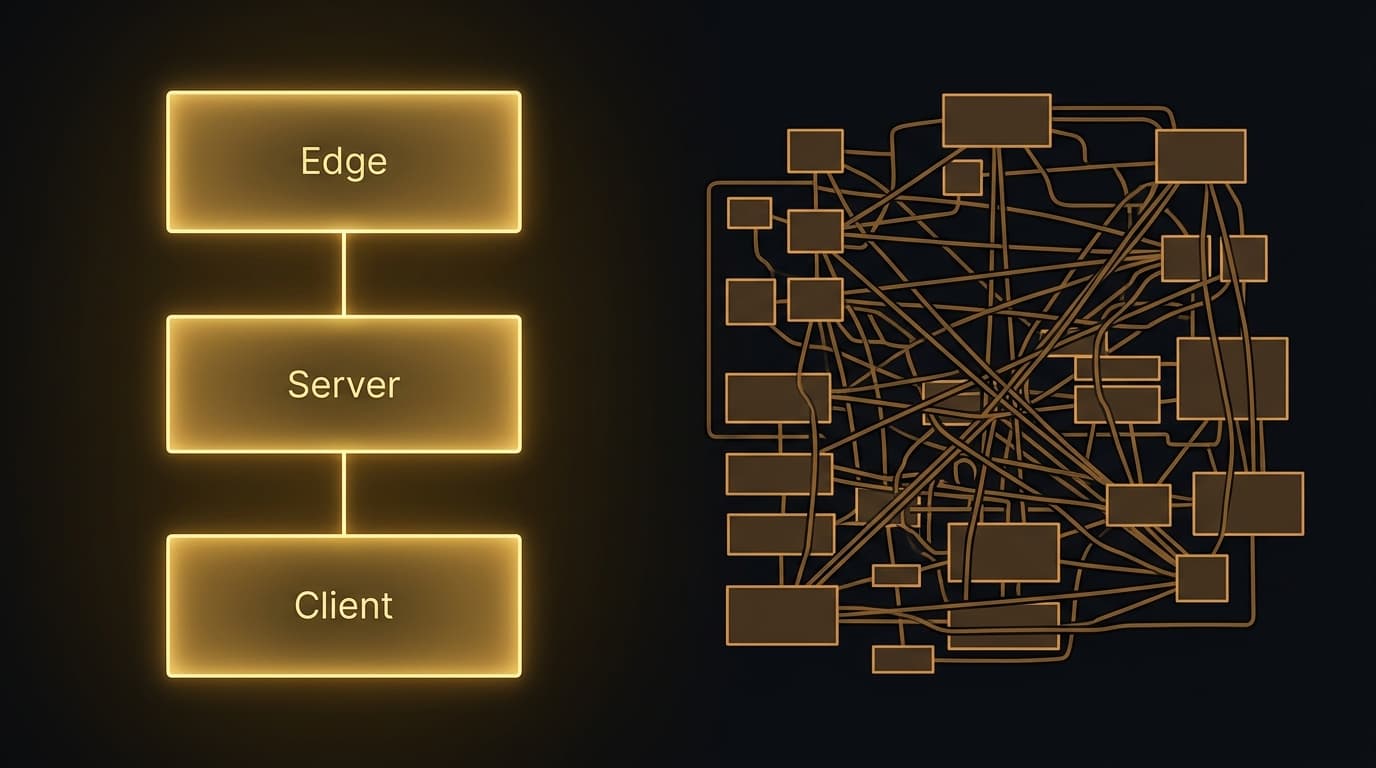
Where WordPress is a monolithic content management system, Next.js is a developer framework that gives you precise control over every part of your website. It supports static generation (pages built at deploy time), server-side rendering (pages built on each request), and hybrid approaches where you pick the right strategy per page.
What does that mean if you are a business owner and not a developer? It means faster sites, fewer security incidents, and lower maintenance costs over time. It also means your site can integrate naturally with modern AI tools and APIs, which matters more every year as businesses adopt AI-powered website features.
How Does Next.js Performance Compare to WordPress?
Performance is where this comparison stops being close. The gap between a Next.js site and a WordPress site is not a marginal improvement you need analytics to notice. Your visitors will feel it.
| Feature | Next.js | WordPress |
|---|---|---|
| Typical LCP | +Under 1 second | -2 to 4 seconds |
| PageSpeed Score | +95 to 100 | -50 to 80 (with plugins) |
| Core Web Vitals | +Green by default | -Requires multiple plugins |
| Mobile Performance | +Auto code-splitting & image optimization | -Sluggish on slower connections |
| Page Rendering | +Pre-rendered at build time | -Assembled dynamically per request |
Page Load Speed
A well-optimized WordPress site might achieve a Largest Contentful Paint (LCP) of 2 to 4 seconds. My Next.js builds routinely hit an LCP under 1 second. That is a completely different user experience. The visitor either waits, or the page is just there.
The architectural reason is straightforward. Next.js pre-renders pages at build time or on the server, sending fully formed HTML to the browser. WordPress assembles each page by querying MySQL, running PHP, and then sending the result. Even with caching, WordPress adds layers of overhead that Next.js does not have because it does not need them.
Core Web Vitals
Google's Core Web Vitals (LCP, Interaction to Next Paint, and Cumulative Layout Shift) are ranking factors that directly affect your search visibility. Next.js sites consistently score in the green on all three metrics without extra optimization work. WordPress sites often need multiple plugins and hours of configuration to achieve passing scores. Many never get there.
My client projects routinely hit PageSpeed Insight scores of 95 to 100 on both mobile and desktop. The Skyline Roofing site scores 100 on SEO and 96 on accessibility out of the box. Try getting those numbers on WordPress with 25 plugins installed. I have tried. It does not happen.
Mobile Performance
Mobile traffic accounts for over 60 percent of web visits. This is exactly where WordPress struggles most. Unoptimized plugins, render-blocking scripts, and database queries create a sluggish experience on slower mobile connections. Next.js handles mobile well through automatic code splitting, built-in image optimization via the Image component, and efficient hydration strategies that send only the JavaScript each page actually needs.
Is Next.js More Secure Than WordPress?
Yes. And the difference is not small. Security is the single most compelling reason to move away from WordPress, especially if you handle customer data.
| Feature | Next.js | WordPress |
|---|---|---|
| Attack Surface | +Minimal — no DB, no admin panel | -Large — plugins, themes, login, DB |
| Common Vulnerabilities | +Few — static pages, no injection points | -SQL injection, XSS, brute force, file exploits |
| Maintenance Burden | +Near zero | -Constant updates, monitoring, backups |
| Security Approach | +Built into architecture | -Added via plugins after the fact |
WordPress Security Problems
WordPress is the most hacked CMS in the world. That is a direct consequence of its popularity and its architecture. The common attack vectors are well-documented: outdated plugins and themes, SQL injection through poorly coded plugins, brute force attacks on the login page, file upload exploits, and cross-site scripting (XSS) through user-generated content.
Keeping a WordPress site secure requires constant work. Regular updates, security plugins, firewall configuration, login protection, backup management. Most small businesses either lack the expertise or the discipline to stay on top of it. When a breach happens (and it does), the consequences are real: data loss, destroyed customer trust, tanked search rankings.
Why Next.js Has a Smaller Attack Surface
Next.js has a fundamentally different security profile. Static pages have no database to inject into and no server-side code executing on each request. There is no admin panel to brute force. No plugin system to exploit. No user login system unless you explicitly build one with proper authentication.
The attack surface of a Next.js site is dramatically smaller because security is a property of the architecture, not a plugin you install after the fact.
This does not mean Next.js sites are immune to every possible attack. But the most common and damaging vectors that plague WordPress simply do not exist here.
Which Is Better for SEO: Next.js or WordPress?
Both can produce SEO-friendly websites. The difference is in how they get there and where each one hits a ceiling.
WordPress SEO
WordPress has excellent SEO plugins. Yoast and Rank Math make it relatively easy to manage meta tags, sitemaps, and basic on-page optimization. For years, this plugin ecosystem gave WordPress a real SEO advantage over competing platforms.
But WordPress SEO hits a ceiling. Page speed penalties, bloated markup from plugins, and limited control over rendering strategies all work against you. Here is the irony: the plugins that help with SEO also add weight to your pages. The optimization tools make the site slower. You end up fighting yourself.
Next.js SEO
Next.js gives you complete control over your HTML output, metadata, structured data, and rendering strategy. There is no plugin overhead. SEO best practices go directly into the code, producing clean, semantic HTML that search engines can parse easily.
Next.js also handles the technical SEO factors that WordPress struggles with: server-side rendering for dynamic content, automatic image optimization with the Image component, built-in font optimization, granular control over caching and CDN strategies, and native support for structured data without additional plugins.
For Answer Engine Optimization (AEO), this matters even more. AI search engines like Google AI Overviews, ChatGPT search, and Perplexity need clean semantic HTML and structured data to understand and cite your content. Next.js produces exactly that output. WordPress buries it under plugin-generated markup.
How Does Developer Experience Affect Your Business?
Developer experience might sound like a concern for engineers, not business owners. But it directly affects how fast new features get built, how many bugs reach your visitors, and how much you pay to keep the site running down the road.
WordPress Development
WordPress development often feels like fighting the platform. Customizing themes means working within rigid template hierarchies. Adding custom functionality means writing plugins in PHP or wrestling with hooks and filters that were designed two decades ago. The block editor (Gutenberg) added modern editing capabilities but also introduced complexity and performance overhead.
Finding WordPress developers is easy. Finding good ones is harder every year. Many experienced developers have moved to modern frameworks, leaving a talent pool that skews junior.
Next.js Development
Next.js is built on React, the most popular JavaScript library in the world. That means access to a massive ecosystem of components, libraries, and tools. Development moves faster because React's component-based architecture encourages reuse and consistency.
This translates directly to business outcomes: faster feature delivery, fewer bugs, easier testing, and better long-term maintainability. My development process is built to maximize these advantages. When a client wants to add an AI chatbot, integrate with a CRM, or build a custom calculator, I can implement those features cleanly without fighting the platform for permission.
What Does Each Platform Actually Cost Over 3 Years?
The upfront cost comparison misleads people. WordPress looks cheap at first. It is not cheap over time.
| Cost Factor | Next.js | WordPress |
|---|---|---|
| Upfront Development | -$3,000 to $15,000 | +Under $100 (basic) |
| Hosting (monthly) | +Free to ~$20/mo | -$30 to $100/mo (managed) |
| Plugin Licenses (yearly) | +$0 | -$200 to $500/yr |
| Security & Backups (monthly) | +$0 | -$10 to $50/mo |
| Maintenance Hours (monthly) | +Minimal | -2 to 4 hours |
| 3-Year Total Cost | +Often lower overall | -$5,000 to $15,000+ |
WordPress Costs
You can launch a basic WordPress site for under $100 with a free theme and shared hosting. But the true cost of ownership adds up fast. Premium plugins run $200 to $500 per year. Managed hosting for decent performance costs $30 to $100 per month. Security monitoring and backups add $10 to $50 per month. Ongoing maintenance and updates take 2 to 4 hours per month at minimum. Emergency fixes when things break are unpredictable in both timing and cost.
Over three years, a "cheap" WordPress site often costs $5,000 to $15,000 in hosting, plugins, maintenance, and developer time. That does not include the revenue you lose from slow load times and security incidents.
Next.js Costs
A custom Next.js site has a higher upfront development cost, typically $3,000 to $15,000 depending on complexity. But ongoing costs drop dramatically. Hosting on platforms like Vercel or Netlify starts free and scales to about $20 per month for most business sites. There are no plugin licenses. No security monitoring subscriptions. Minimal maintenance because there is no plugin ecosystem to keep updated.
Over three years, the total cost of a Next.js site is often lower than WordPress despite the higher upfront investment. Factor in the developer hours saved on maintenance and troubleshooting, and the math tilts further in favor of Next.js.
When Does WordPress Still Make Sense?
I am opinionated, not unreasonable. WordPress is still a valid choice in specific situations.
If you need a site live this week with minimal budget and you are not worried about long-term performance or security, WordPress with a pre-built theme can get you online fast. If your business depends on specific WordPress plugins that have no equivalent elsewhere, switching may not be practical right now. If your team is deeply embedded in WordPress workflows and resistant to change, forcing a migration could create more friction than it resolves.
But those scenarios describe a shrinking minority of businesses. For most small businesses in 2026, the benefits of moving to Next.js outweigh the familiarity of WordPress by a wide margin.
Why I Build Exclusively on Next.js at BRANDERMIND
My decision to build exclusively on Next.js was not impulsive. I evaluated multiple frameworks and platforms before committing. My client results have validated that choice every single time.
Take the Skyline Roofing project. After I rebuilt their site on Next.js, they saw a 525 percent increase in organic traffic and a 467 percent jump in search clicks within just 15 days of launch. The site scores 100 on SEO and 96 on accessibility. Their maintenance burden dropped to near zero with no plugin ecosystem to manage.
Next.js also fits my AI-first approach to web development. Integrating AI chatbots, adding structured data for AEO, and building dynamic features are all straightforward on Next.js. On WordPress, those same features require awkward plugin integrations or custom PHP that fights the platform at every step. You can see the full technology stack I use to deliver these results.
My web development service is built on this foundation: use the best tools available, not the most familiar ones. The tools I choose have to earn their place by producing measurable results for my clients.
Should You Switch from WordPress to Next.js?
WordPress did important work democratizing website creation. It brought millions of businesses online who otherwise might not have had a web presence at all. That matters. But the web of 2026 demands more than WordPress was designed to deliver.
Performance expectations are higher. Security threats are more sophisticated. AI search engines require a level of technical control that WordPress makes difficult. The gap between what WordPress can do and what modern businesses need grows wider every year.
Next.js is not the only WordPress alternative, but it is the one I trust enough to stake my business on. For small businesses that want to compete online with a fast, secure, AI-ready website, the choice has become straightforward.
If you are currently on WordPress and curious about what a migration would look like, take a look at my web development services or reach out for a free consultation. I will give you an honest assessment of whether Next.js is the right move for your situation. No pressure, no sales pitch. Just a straight answer.

Written by
Rick Butts
With over 25 years of experience building for the web, Rick helps small businesses use AI-powered websites, automation, and modern development to grow their online presence and save time.